5 Critical HRIS Settings Most Consultants Miss During Configuration
- Feb 10
- 6 min read
You've spent months selecting the perfect HRIS. You've sat through countless demos, negotiated contracts, and assembled your implementation team. But here's the uncomfortable truth: most HRIS implementations fail not because of the software, but because of what gets overlooked during configuration.
After working on 100+ HRIS projects, I've seen the same critical settings get missed over and over again. And the worst part? You won't discover these gaps until something breaks, usually at the worst possible time, like during an audit or when an employee files a complaint.
Let's talk about the five configuration settings that separate a functional HRIS from one that actually protects your business and makes HR's life easier.
1. Regional Compliance Settings (Especially California)
Here's a scenario that plays out way too often: A company implements a shiny new HRIS, successfully migrates all their data, and thinks they're golden. Six months later, California's labor board comes knocking because they can't prove meal and rest break compliance for the past year.
The problem? The HRIS was technically capable of tracking breaks, but no one actually configured the state-specific rules during implementation.
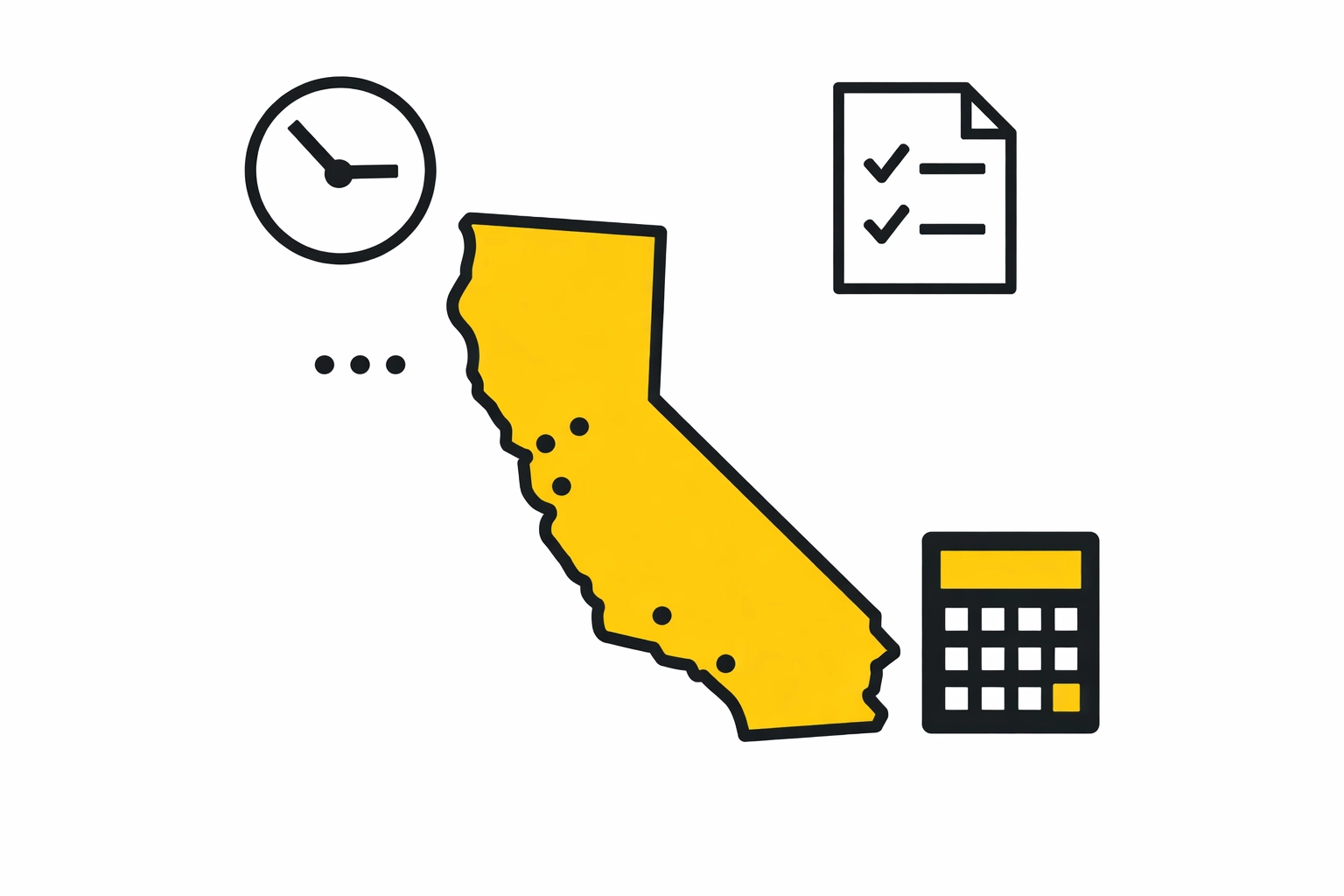
California isn't just another state, it's practically its own country when it comes to employment law. Your HRIS needs to be configured to track:
Meal and rest break acknowledgments (not just clock-in/out times)
State-specific tax configurations for SDI, PFL, and local ordinances
Sick leave accrual rules that vary by city (looking at you, San Francisco)
Daily overtime calculations (yes, CA does overtime differently)
But it's not just California. New York has its own paid sick leave nuances. Washington State requires specific salary threshold configurations for exempt employees. Massachusetts has unique Sunday premium pay rules.
Most consultants configure for federal compliance and call it a day. That's a lawsuit waiting to happen.
The JHHR approach: We map every location where you have employees and configure state-specific rules before go-live. We don't assume: we verify that your HRIS is actually enforcing regional requirements, not just storing data.
2. Security Roles That Actually Make Sense
Let me guess what happened during your HRIS security setup: The consultant created three roles: Admin, Manager, and Employee: and moved on. Sound familiar?
This "all or nothing" approach to security is one of the biggest configuration failures we see. Here's why it's dangerous:
Too much access: Your recruiting coordinator doesn't need to see everyone's salary information, but in many systems, giving them "HR Access" means they can see everything. Your payroll specialist shouldn't be able to terminate employees, but often they can because they're in the "Admin" group.
Too little access: Meanwhile, your department heads can't access the reports they need because someone decided managers shouldn't see aggregate data. Or worse, your HR team can't process a simple address change because that permission got accidentally excluded from their role.
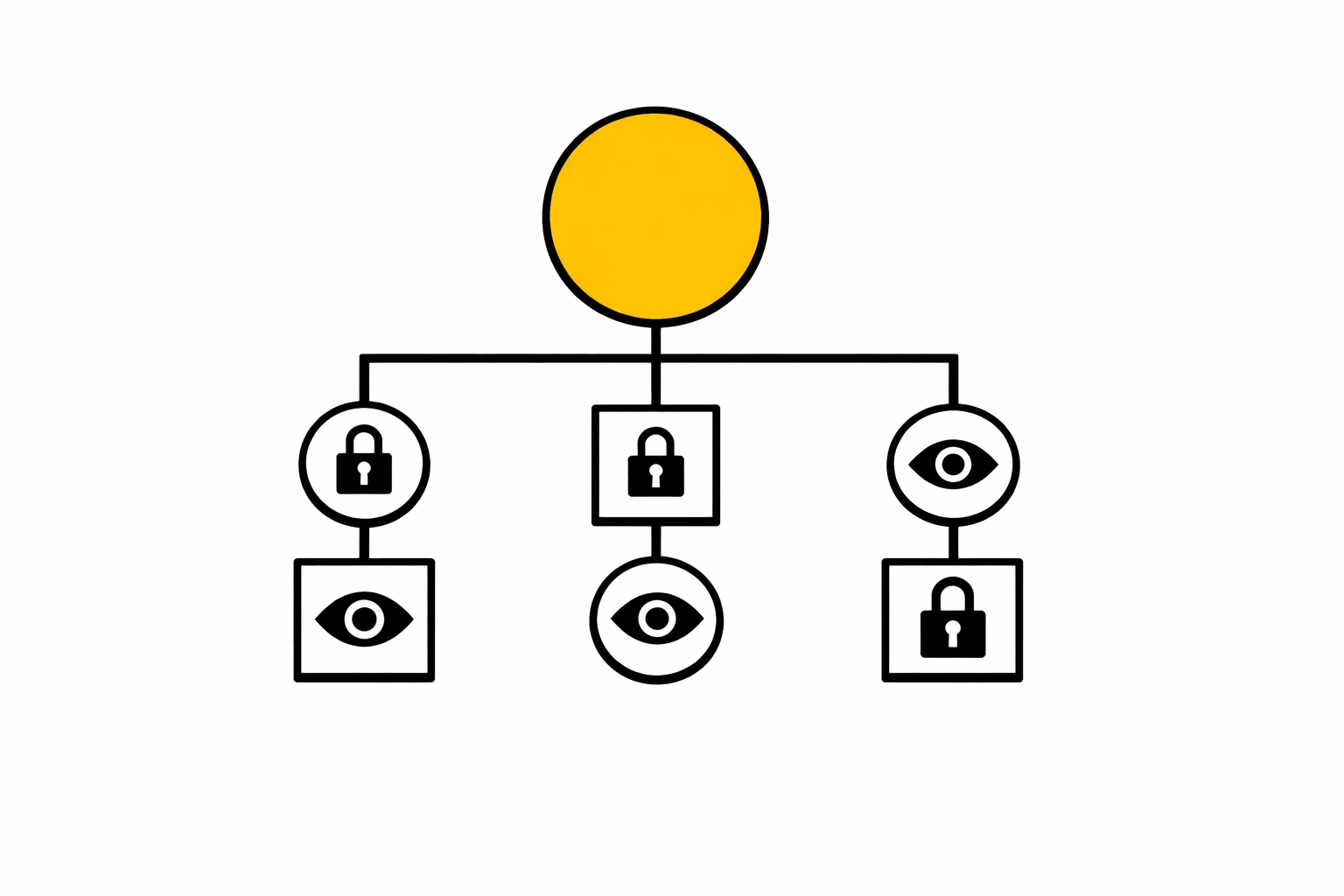
Real security configuration should be granular:
Field-level permissions (view salary bands but not actual salaries)
Workflow-based access (can initiate termination but not approve it)
Time-bound roles (project managers get access only during their project)
Department/location restrictions (managers see only their team's data)
The consequence of poor security configuration goes beyond privacy concerns. It creates compliance risks (SOX, GDPR, CCPA) and operational bottlenecks. We've seen companies where payroll processing grinds to a halt because the wrong person got locked out and the right person has too much access to safely share credentials.
The JHHR difference: We conduct role-mapping workshops before configuration begins. We document who needs to see what, when, and why. Then we test those permissions with real scenarios before go-live.
3. Off-boarding Workflows That Go Beyond "Deactivate Account"
Most HRIS implementations treat off-boarding as a checkbox: Employee leaves, account gets deactivated, done. But here's what actually needs to happen when someone exits:
Benefits termination (within specific timeframes for different plans)
Final paycheck calculation with unused PTO, commissions, and bonuses
401(k) notifications and deadlines
COBRA administration trigger
Equipment retrieval tracking
System access revocation across all integrated platforms
Exit interview scheduling and documentation
Knowledge transfer checklists
Badge/key return verification
If these aren't automated and tracked in your HRIS, they fall through the cracks. And when they do, you end up paying benefits for terminated employees, missing COBRA deadlines (hello, Department of Labor penalties), or discovering months later that someone still has access to your systems.
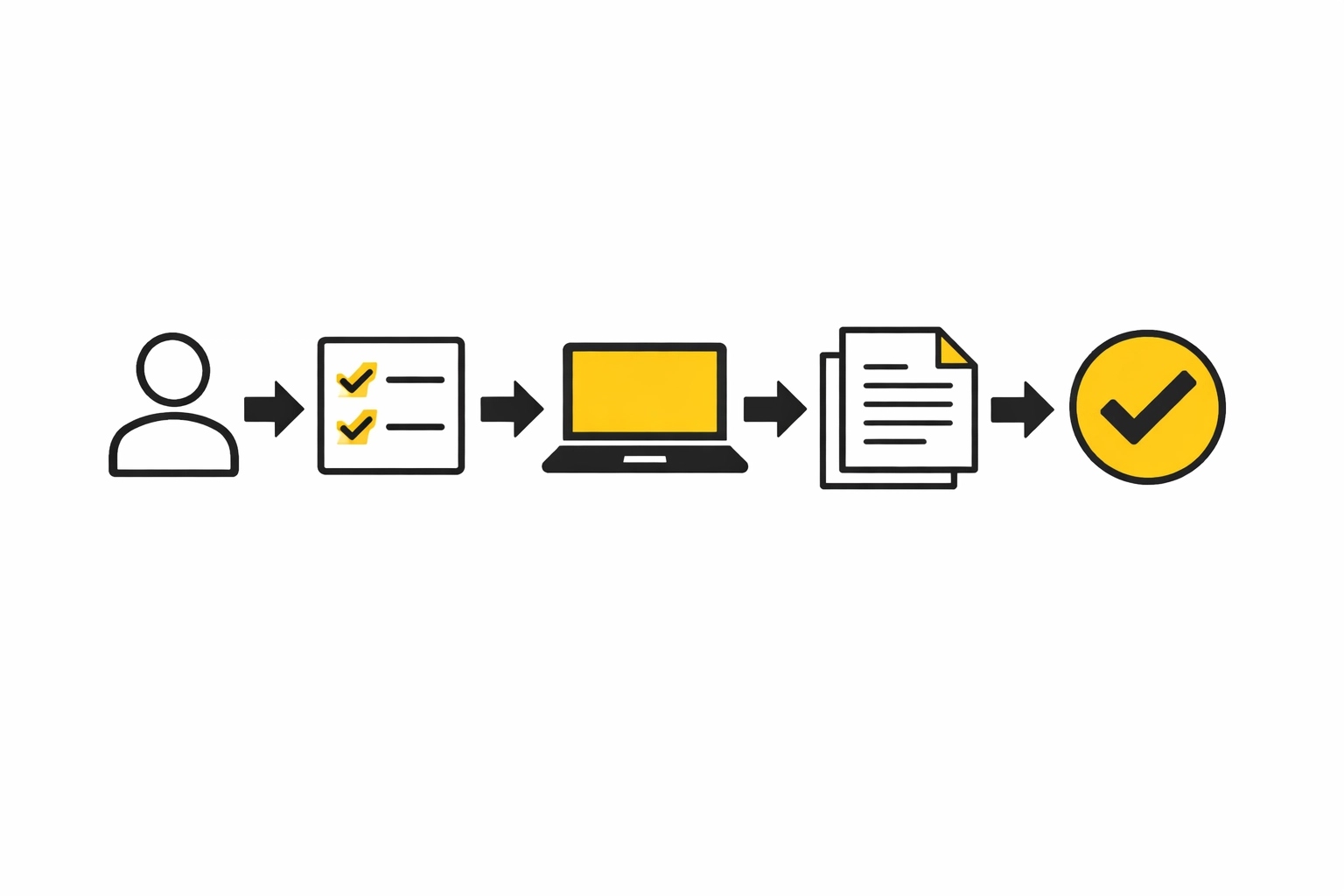
The real risk? Legal exposure. An employee who doesn't receive their final paycheck on time can file a waiting time penalty claim in California: that's up to 30 days of wages. Miss a COBRA notification deadline? That's a $110 per day penalty.
How JHHR handles it: We build off-boarding workflows that trigger automatically and assign tasks to the right people at the right time. Equipment return? IT gets an alert. COBRA paperwork? Benefits team gets a notification 48 hours before the deadline. Nothing is left to memory or manual tracking.
4. Leave of Absence Configurations That Actually Track Compliance
FMLA, CFRA, PFL, ADA accommodations, parental leave, medical leave: leave management is complex, and most HRIS configurations treat it like a simple time-off request.
The critical mistake: Failing to configure how different leave types interact with each other and with state requirements. For example:
FMLA and CFRA run concurrently in California, but pregnancy disability leave doesn't count against CFRA
State paid family leave might supplement unpaid federal leave
ADA accommodations might extend beyond FMLA protection periods
Multiple states have their own family leave laws that layer on top of federal requirements
If your HRIS isn't configured to track these overlapping entitlements, you're either:
Giving employees less leave than they're legally entitled to (lawsuit risk)
Giving more leave than required (operational/financial impact)
Completely losing track of where employees are in their leave cycle (compliance nightmare)
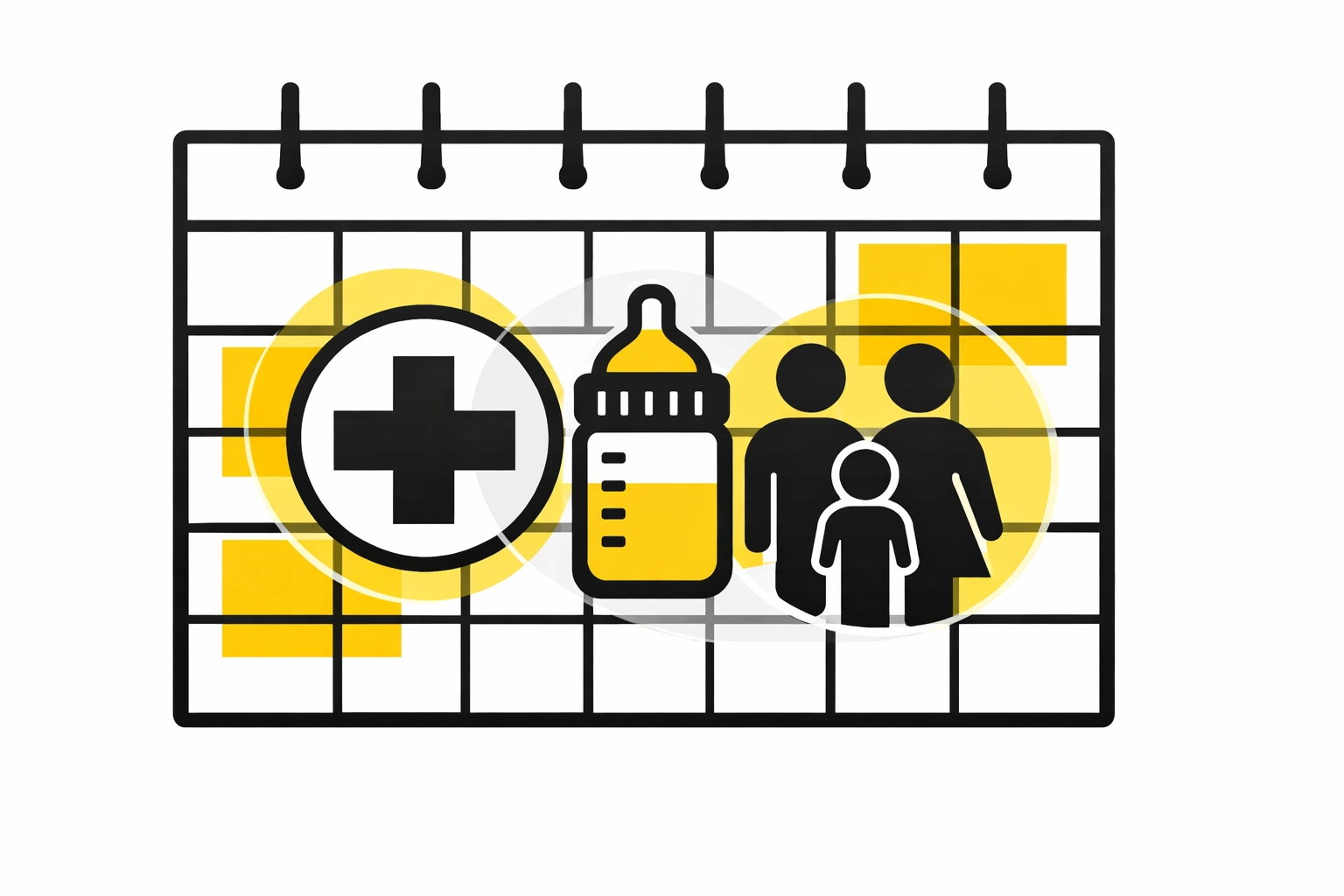
What should be configured:
Automatic tracking of rolling 12-month periods vs. calendar year
Concurrent vs. consecutive leave type calculations
Integration between short-term disability carriers and your HRIS
Automated notice triggers (both to employees and managers)
Reinstatement date tracking and return-to-work workflows
The JHHR method: We configure leave policies that actually reflect the legal requirements, not just the software's default settings. We test scenarios (pregnancy leave in California, family care in Washington, etc.) before go-live to ensure calculations are accurate.
5. API and Integration Error Monitoring
Here's a horror story we've heard too many times: A company discovers that their payroll and HRIS haven't been syncing properly for three months. New hires weren't added to payroll. Terminated employees kept getting paid. Salary changes never went through.
The system had been generating error notifications the entire time: but they were going to an inbox that nobody monitored, or they were getting buried in spam filters.
Modern HRIS systems rely heavily on integrations: payroll, benefits administration, background checks, applicant tracking, time clocks, expense management. When these integrations break, your data becomes unreliable fast.
What needs to be configured:
Error notification recipients (with backup contacts)
Escalation protocols for critical failures
Regular sync reports, not just error alerts
Test transactions that verify integrations are working
API health monitoring dashboards
The challenge is that most consultants set up the integration during implementation, verify it works, and then assume it'll keep working forever. They don't configure ongoing monitoring and alerting.
JHHR's integration philosophy: We treat integrations as living connections that need health checks. We configure multi-level alerting (first to IT, then to HR, then to executives if unresolved). We build monthly integration audit reports into the system so someone is actively verifying data flow, not just responding to errors.
How JHHR Catches These Gaps
Here's how we're different: Before we call an implementation "complete," we run a comprehensive configuration audit that includes:
Compliance scenario testing for every state where you have employees
Security penetration testing where we try to access data we shouldn't be able to
End-to-end workflow testing for hiring, changes, and terminations
Integration stress testing to see what happens when systems don't sync
Leave calculation verification using real employee scenarios
We've built these audits into our process because we've seen what happens when they're skipped. We've inherited too many "completed" implementations that were actually compliance time bombs.
The Bottom Line
Your HRIS is only as good as its configuration. The software can do amazing things: if it's set up correctly. But if these five critical settings are missed, you're not just leaving functionality on the table. You're creating legal risk, operational inefficiency, and frustration for your entire organization.
The good news? These issues are preventable. With the right expertise during configuration and a thorough audit before go-live, your HRIS can actually deliver on its promises.
If you're currently implementing an HRIS or suspect yours might have some of these gaps, it's worth getting a second opinion. A few hours of expert review now can save you from months of cleanup later: and from the legal exposure that comes with compliance failures.
Want to know what gaps might be lurking in your HRIS configuration? Let's talk. We've seen these issues enough times to spot them quickly; and more importantly, to fix them before they become problems.
Comments